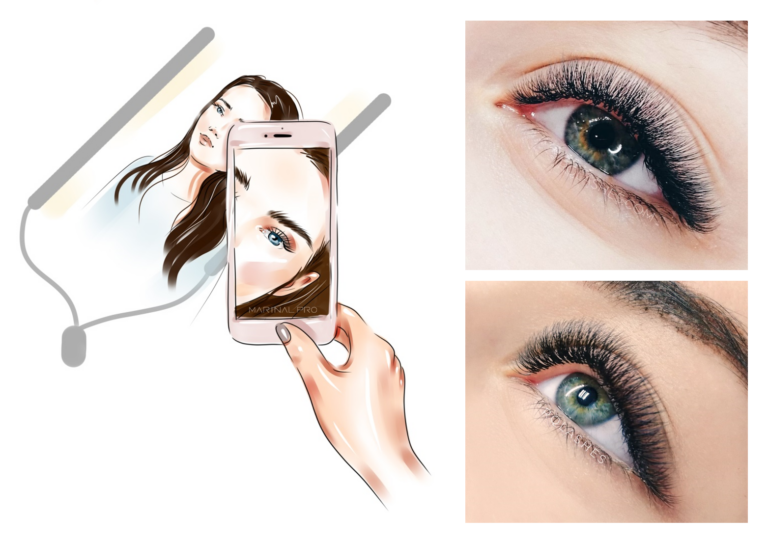
You surely know firsthand that clients choose their artist by the photos of their work (and by reviews, of course). So our job is to make your work look perfect in photos.
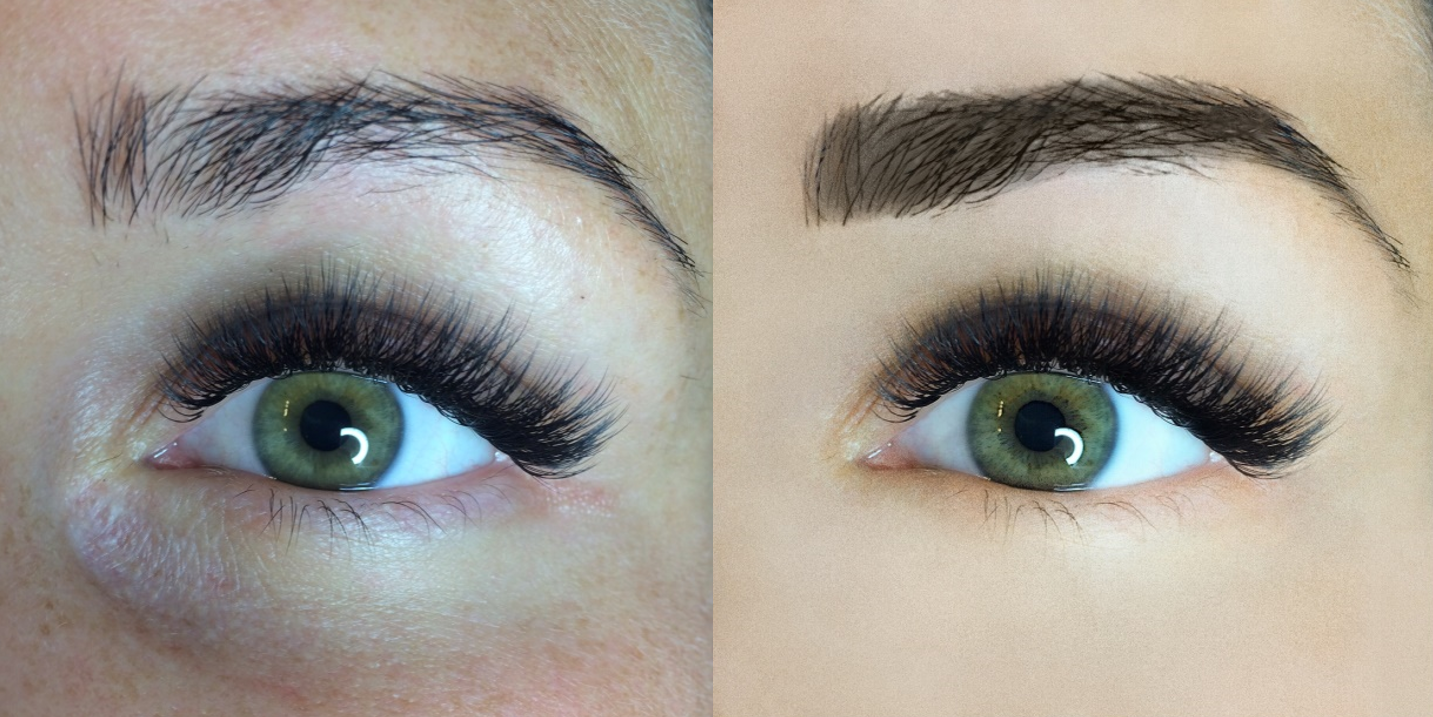
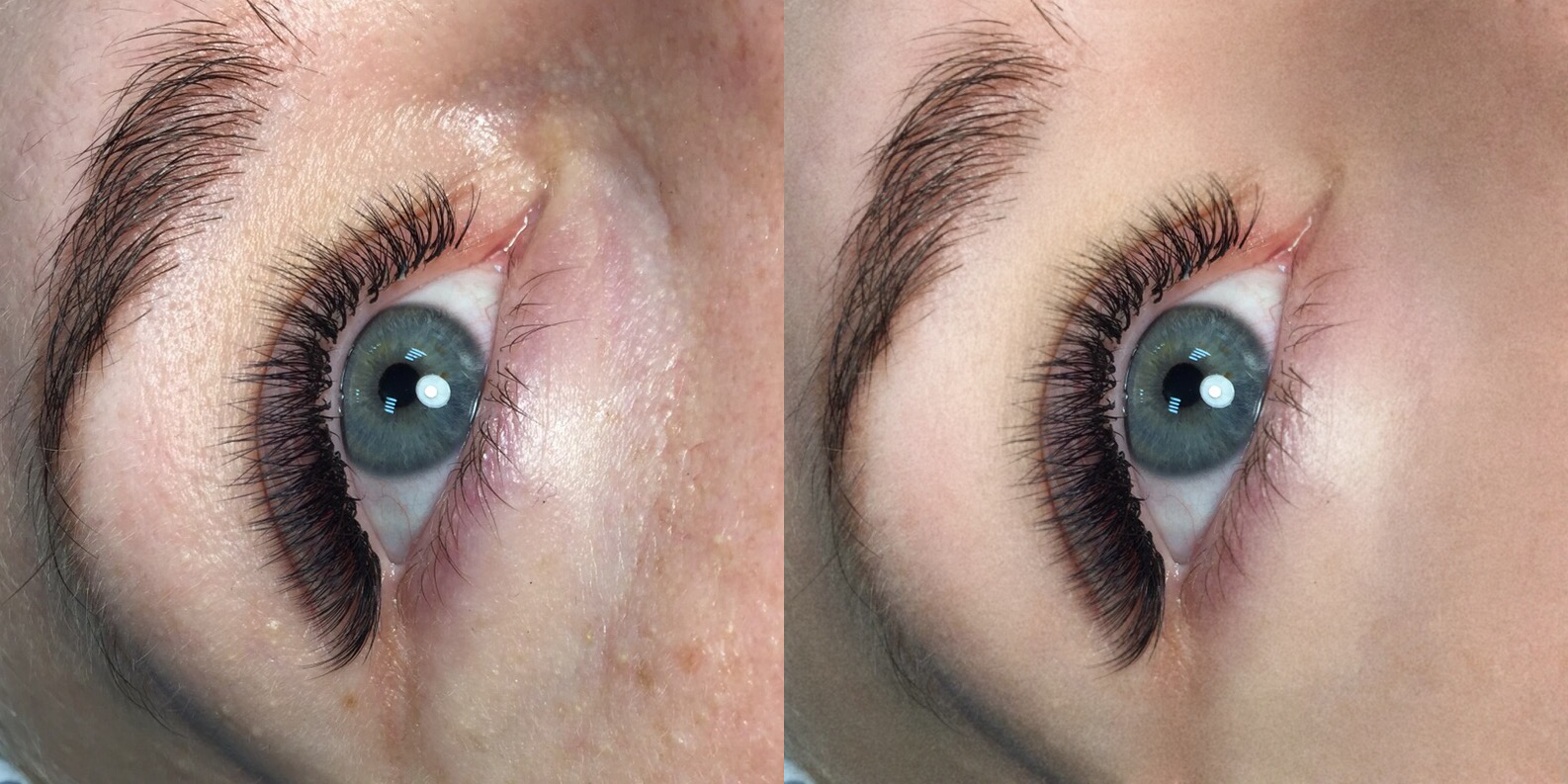
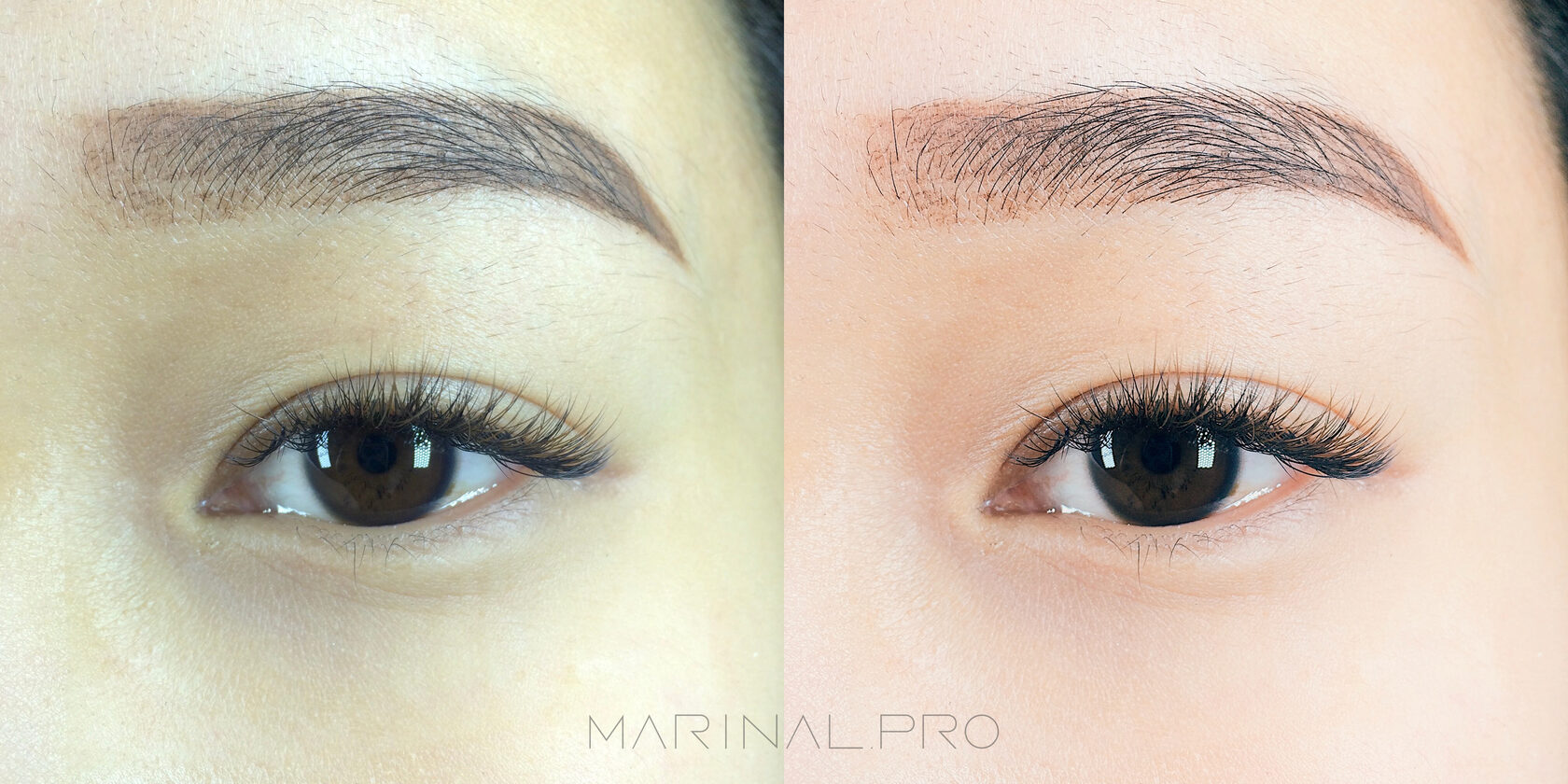
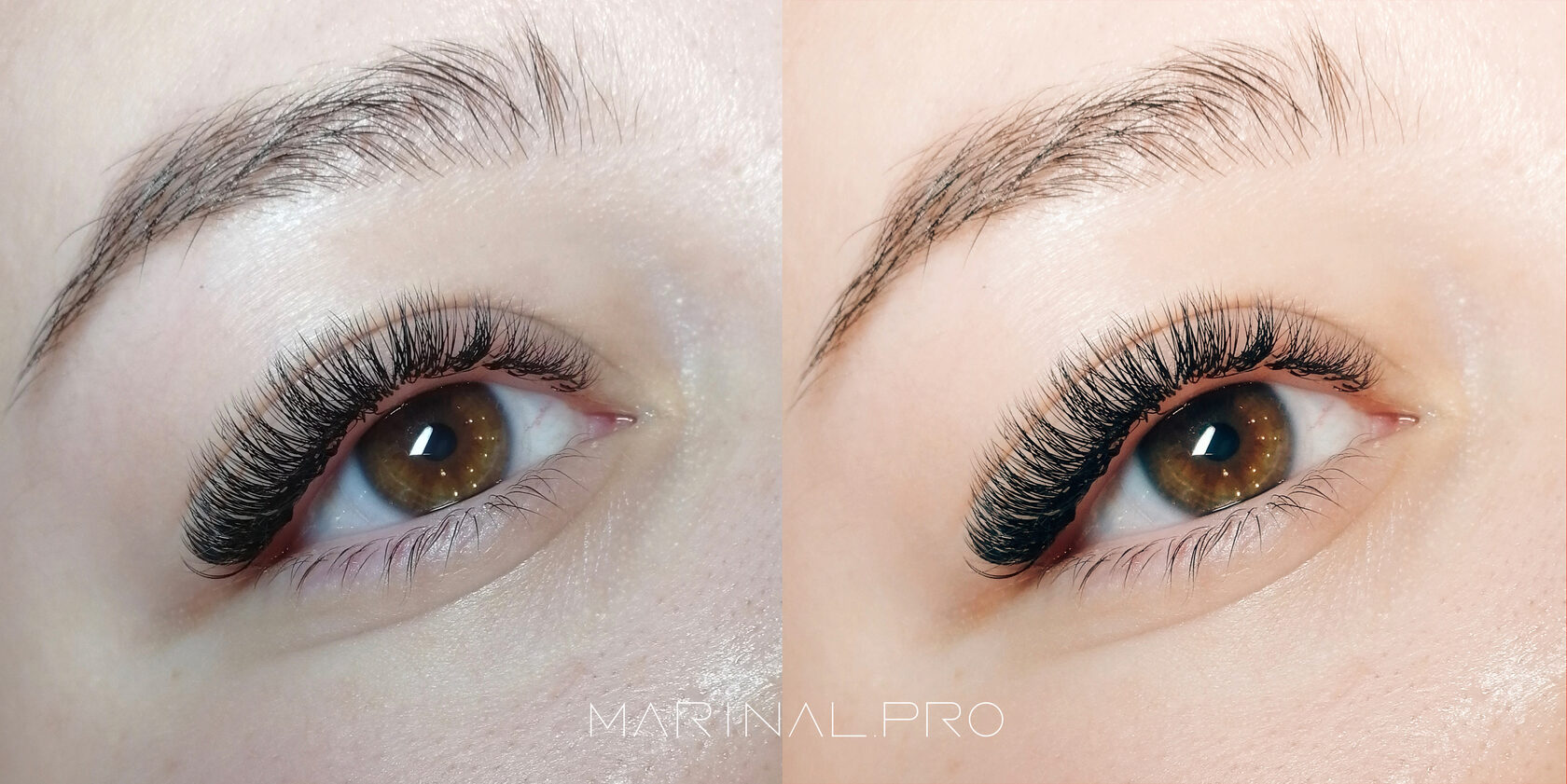
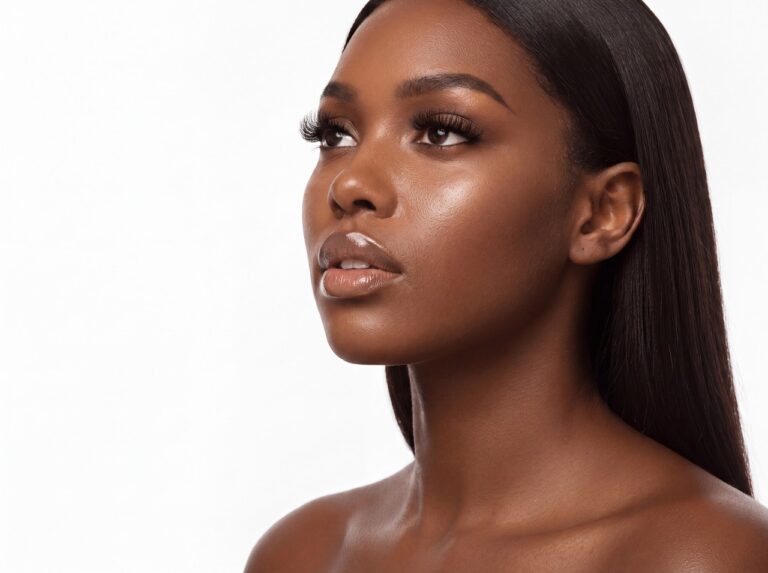
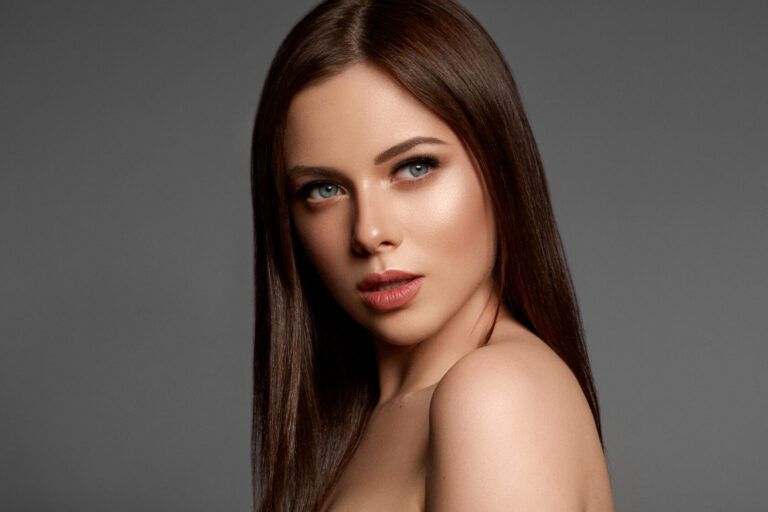
We put together a list of the 7 best retouching apps for your phone with photo examples to help you edit your work quickly and well. Our absolute favorite is right at the end. With it you can edit a photo like the example below in just 75 seconds!
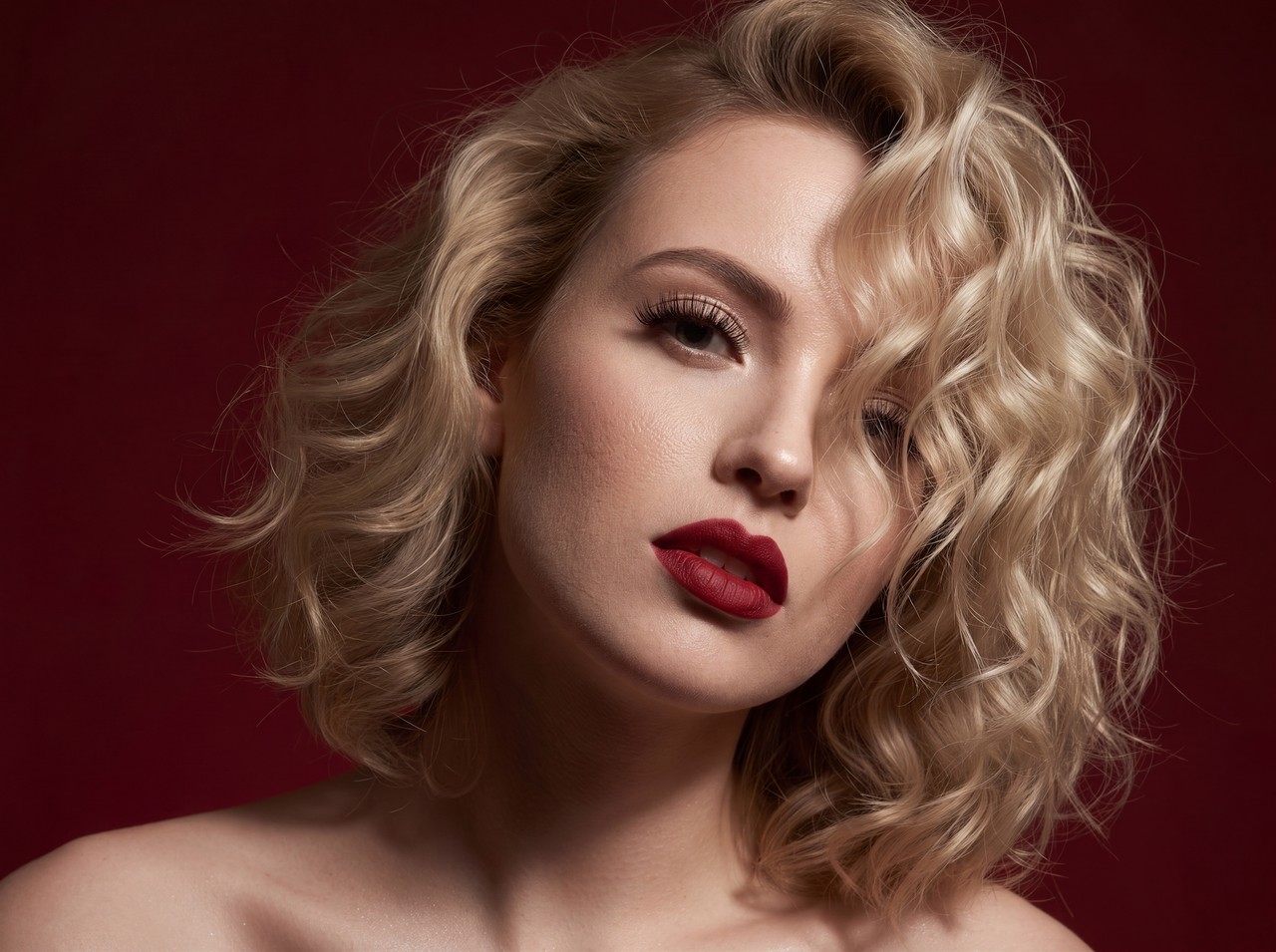
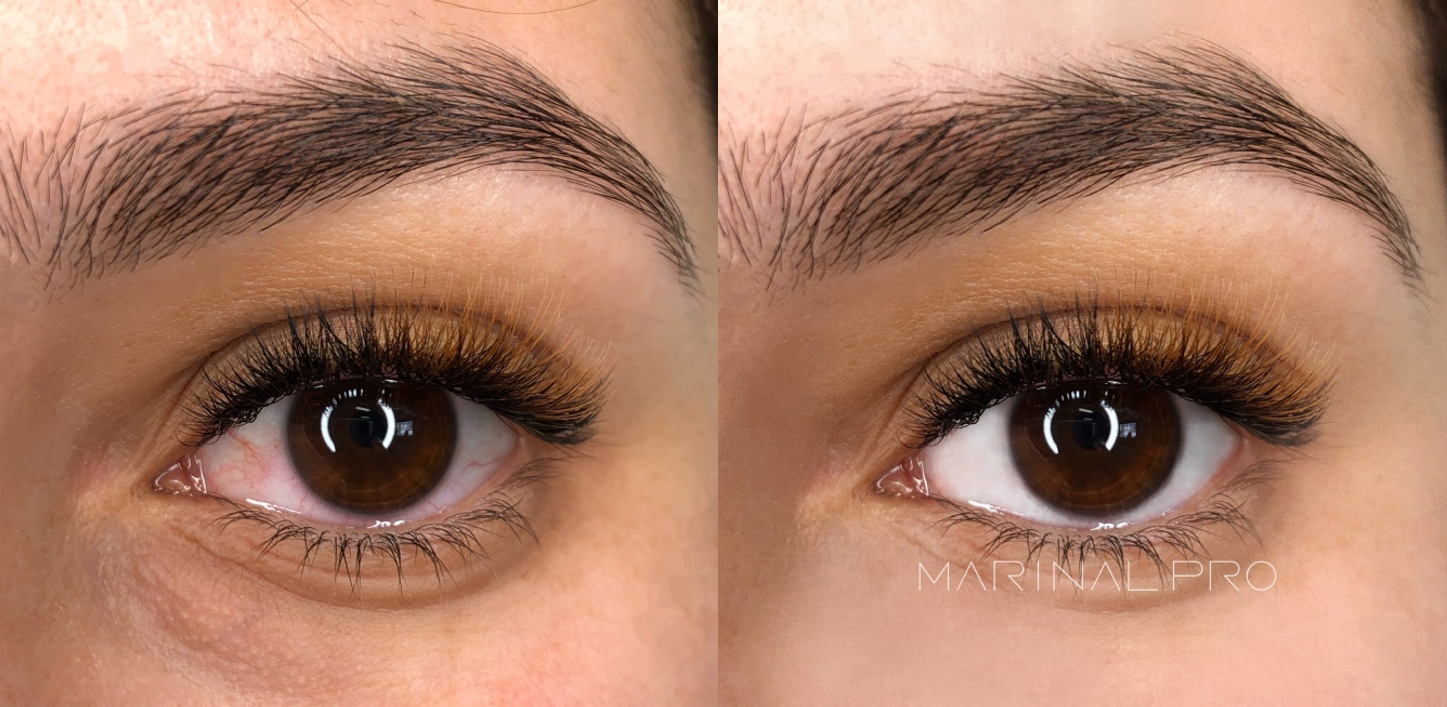
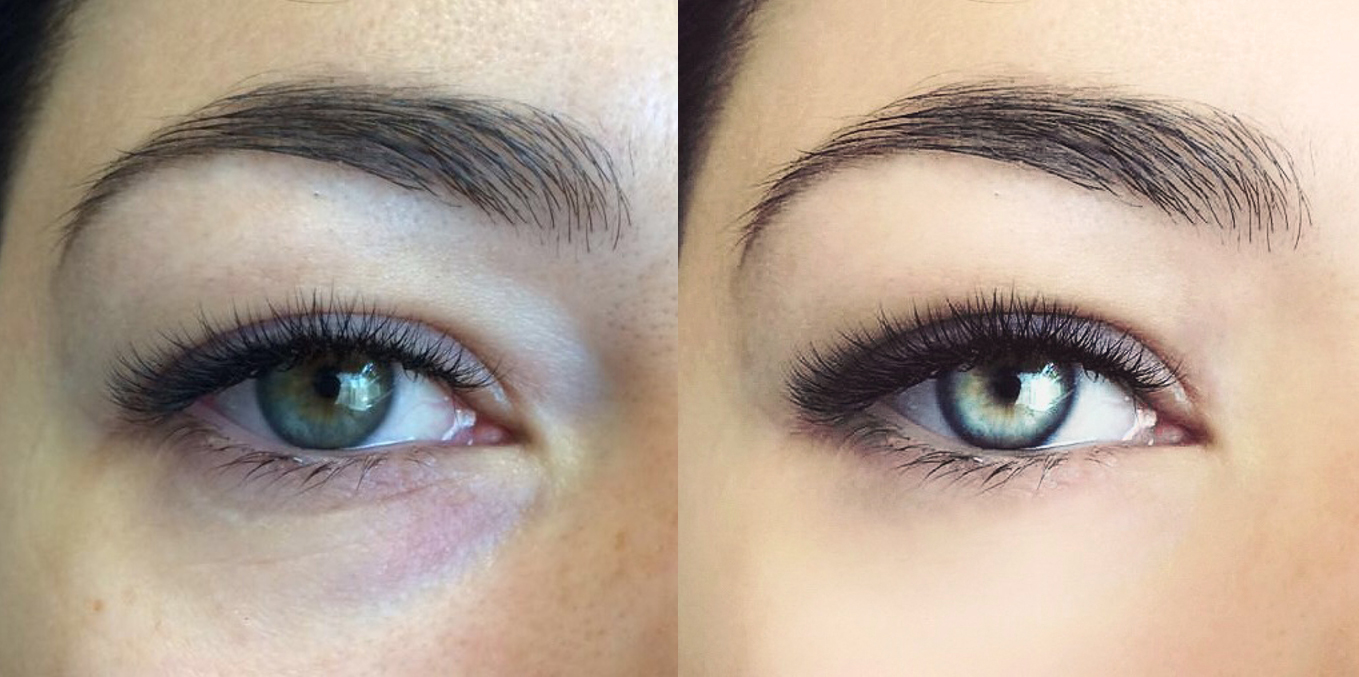
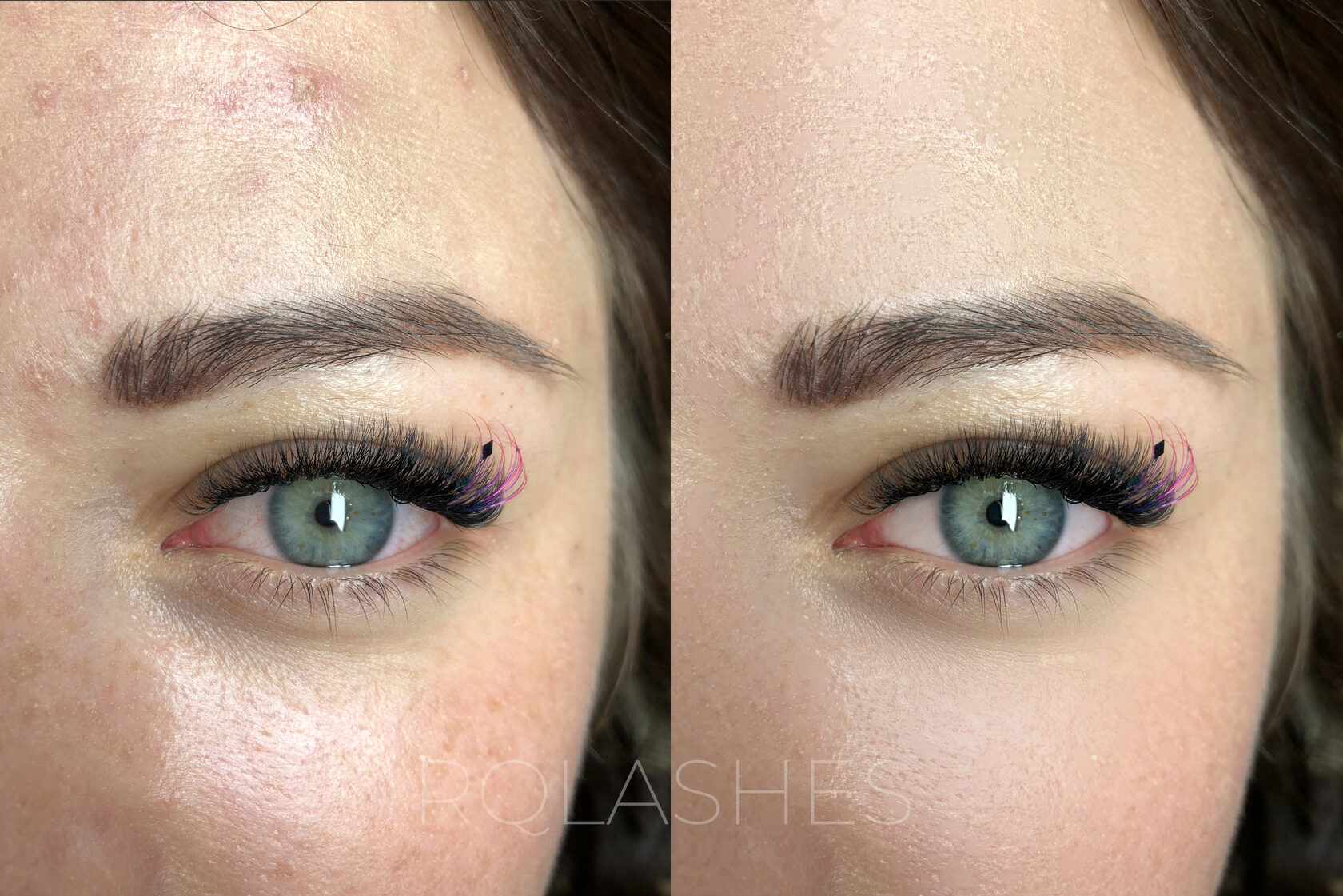
Of course, don’t overdo it: clients should see the real result of your work, not an artificial image. But light correction, removing extra glare or a blemish, evening out skin tone, or emphasizing the lashes, adds professionalism to your photos. And if you actively post your work, it’s a good idea to edit all your photos in a similar color palette.
1. Facetune 2
This app is still one of the most popular for portrait editing. It’s easy to use and great for correcting any facial imperfections.
Features:
- reshaping facial features
- a perfect smile (whiten teeth, make the smile wider or narrower)
- skin retouching (brighten dark circles, hide minor flaws, remove blemishes and scars, smooth wrinkles)
- more expressive eyes (remove red-eye, change eye color, make them bigger)
- hair improvements (hide thinning spots, tint hair, tame flyaways)
- selfie enhancements (blur the background, change the lighting, add texture). Remove redness and glare. Emphasize the lashes and brighten the eyes. Smooth the skin.
Free or paid: there’s a free version, but the main features require a subscription.
Platforms: iPhone and Android.
2. AirBrush
AirBrush is a very easy-to-use free photo tool built specifically for people who need EVERYTHING in a shot to be flawless. And that’s exactly what every lash artist needs!
Features:
- blemish removal (blemishes and unwanted spots come off with one tap)
- a perfect complexion (just use the “Smooth” tool)
- teeth whitening
- a brightener (don’t let bad lighting or a client’s lack of sleep ruin your photos)
- bright eyes (play up your client’s eye contrast by instantly brightening the photo)
- add depth (use “Blur” to give any photo more depth and keep only what matters)
- reshape (just swipe to instantly shrink or enlarge any area)
- filters (AirBrush’s cosmetic effects are professionally designed to give even the best portraits a perfect finishing touch)
- a “Vignette” tool that frames photos with a subtle vignette.
Free or paid: there’s a free version, but some tools are only in the paid one.
Platforms: iPhone and Android.
3. Snapseed
Snapseed has everything you need to edit photos of your work: cropping, rotation, double exposure, adding text, and much more.
Each tool has its own settings. To adjust an image in the “Tune Image” tool, for example, swipe horizontally to change brightness, contrast, light balance, and highlights.
Features:
- reshaping the face and any features
- background removal
- color correction
- cropping
- spot correction (removing blemishes, unevenness, and scars)
- text and filter overlays
- perspective control
- repositioning objects in a photo
- photo frames, and much more.
Free or paid: completely free.
Platforms: iPhone and Android.
4. YouCam Perfect
A great free photo editor already installed by more than 300 million people! With smart face-retouching tools, you can make skin smooth and glowing and refine the shape of the face, lips, nose, eyes, and cheekbones.
Features:
- teeth whitening
- removing skin flaws and wrinkles
- smooth skin
- face-shape editing
- red-eye removal
- smile editing
- adding a background
- cutting out objects
- removing watermarks
- adding effects, and much more.
Free or paid: free, with in-app purchases.
Platforms: iPhone and Android.
5. Lightroom
A cross-platform free editor from Adobe (the folks who made Photoshop) that you can install on your phone or computer. It has a huge range of fine-retouching settings; unlike most others it isn’t specifically built for portraits or eyes, but it’s great for editing your portfolio. It’s famous for its presets (automatic settings) that let you edit photos in one consistent style.
Features:
- adjust exposure, shadows, and light
- create your own filters (presets) for a consistent style
- cropping
- text and filter overlays
- perspective control
- effects (grain, vignette)
- noise reduction.
Free or paid: free, with a few features by subscription.
Platforms: iPhone, Android, Windows, and macOS.
6. VSCO
Once the most popular editor among Instagram creators, because it packs a huge number of filters. A very clear, simple app with all the basic color settings, though no spot correction. You can even color-grade video! (but that’s a paid feature.)
Features:
- adjust exposure, shadows, and light
- apply filters to create a distinct mood
- cropping
- effects (grain, vignette)
- adjust color tones
- add soft effects to make a photo look artistic
- color-grade, crop, and edit video.
Free or paid: there’s a free version, but most filters require a subscription.
Platforms: iPhone and Android.
7. BeautyPlus, our favorite app for lash artists
This phone photo editor has lots of simple, clear tools and effects, and even AI filters, and it’s built specifically for face retouching.
But the best part is that it has a ton of automatic settings that cut your editing time down to 15 seconds! We’ve tested it ourselves.
Features:
- face retouching (remove blemishes, wrinkles, spots, dark under-eye circles, smooth skin, remove oily shine)
- automatic retouching
- hair editing (add volume, tame flyaways)
- teeth whitening
- edit eye color and add shine
- brighten faces
- various filters and effects
- professional photo editing (blur the background, resize, dozens of special filters).
Free or paid: free, with in-app purchases. And here the extra features are worth paying for!
Platforms: iPhone and Android.
You might also like

Why Lash Extension Reviews Matter
Download a Client Lash Aftercare Card
To Wait or Not? What to Do When a Client Is Late
How to Make a Beautiful Instagram as a Lash Artist

How to Win Back Clients
How to Start a Fight by Photographing Your Client
The Top 7 Ways to Advertise Your Lash Services

10 Instagram Content Ideas for Lash Artists
A Lash Artist’s Portfolio That Sells

How Can a Lash Artist Earn More?

5 Free Ways to Attract Clients for Lash Artists and Salons
Where to Find Lash Extension Clients

How Much Can You Earn as a Lash Artist? Real Numbers, Not Fairy Tales
Off-Limits Topics: What Not to Discuss With a Client

Burnout in Lash Artists

Your Salon’s Instagram Profile: From the Basics to the Details

Negative Reviews: How to Respond
Your Own Lash Studio: The Pros and Cons

How to Deal With Difficult Clients: A Psychologist’s Tips
The Secrets of Great Client Service for a Lash Studio